Before the day begins
A verse, a reflection, a quiet prayer. Start where you are, with the time you have.
A little room for faith, every day
Read a passage. Set aside distractions for a little while. Carry a Sunday message into the week. Your Bible, reflections, sermon notes, and prayers — together in Sermon Pocket.
Coming soon/iPhone

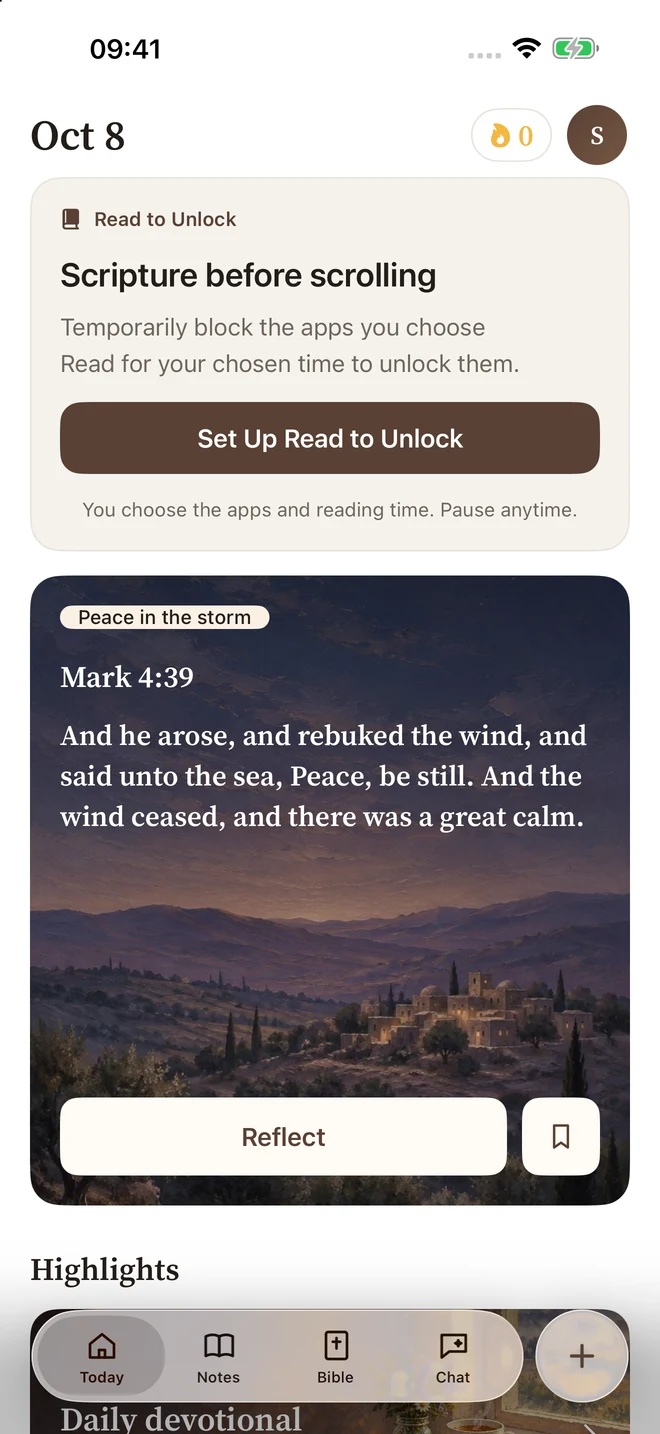
One companion. Many ways to grow.
From your first morning verse to the prayer on your heart, keep the things you read, hear, and reflect on close at hand.
Read to Unlock / Make room for Scripture
Some moments deserve your full attention. Let the apps you choose wait while you meet a daily Bible reading goal, with a rhythm you can make your own.
Allow Screen Time access, then select distracting apps, categories, or websites to limit.
Choose a daily goal from 1 to 60 minutes and the time each new day of reading begins.
Spend that time in the dedicated Bible reader. Complete your goal to unlock your selections until the next daily cycle.

01 / Daily moments
A daily verse and devotional give you a gentle place to begin. Read, pause, and bring a little of what you discover into the rest of your day.

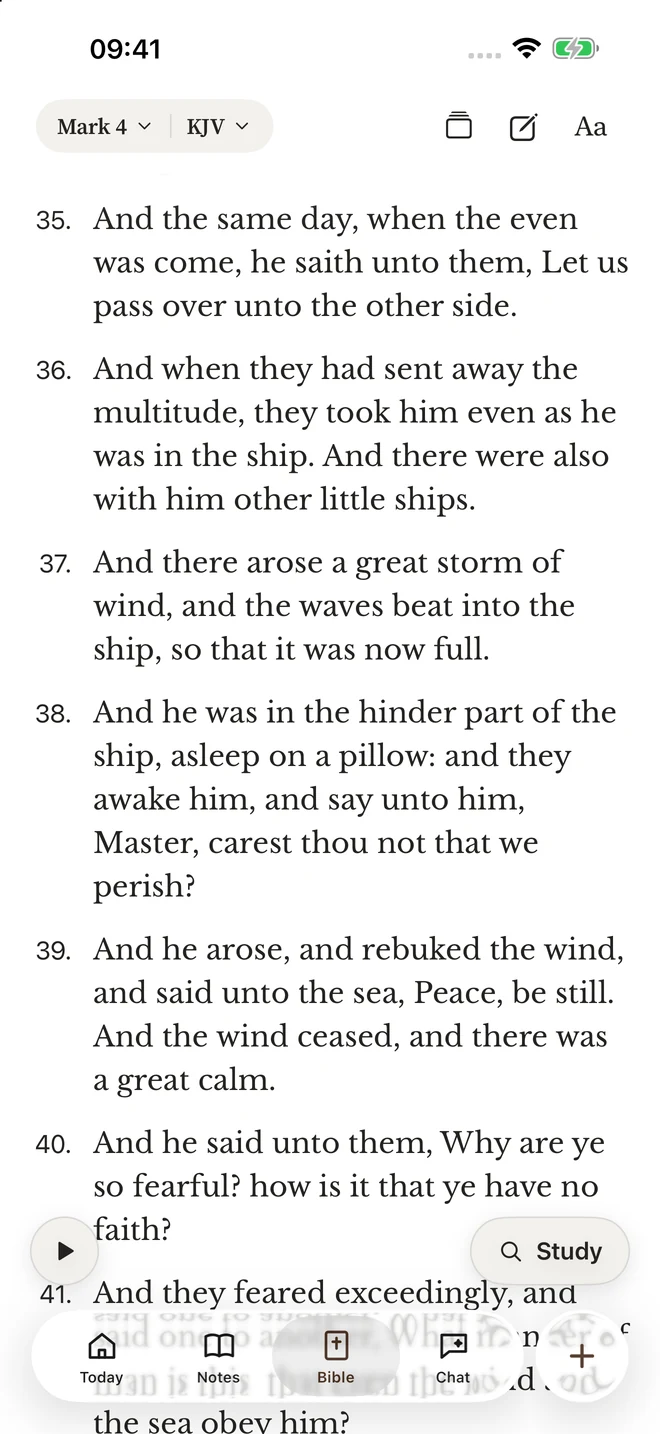
02 / Read & understand
Read a chapter or take it one verse at a time. Highlight what speaks to you, add your own notes, and explore a passage with study tools.
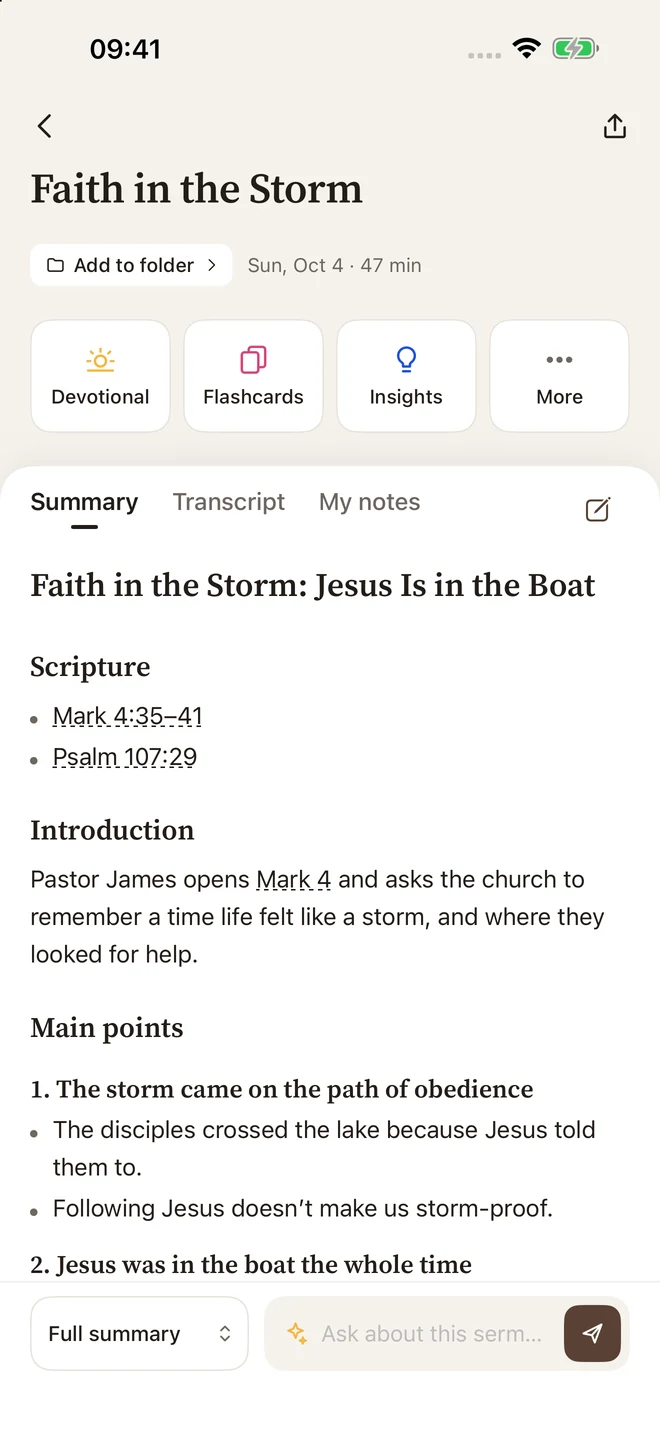
03 / Listen & remember
Record a sermon or bring in a recording. Sermon Pocket helps turn it into a transcript, a clear summary, and Scripture references, with room for your own reflections.

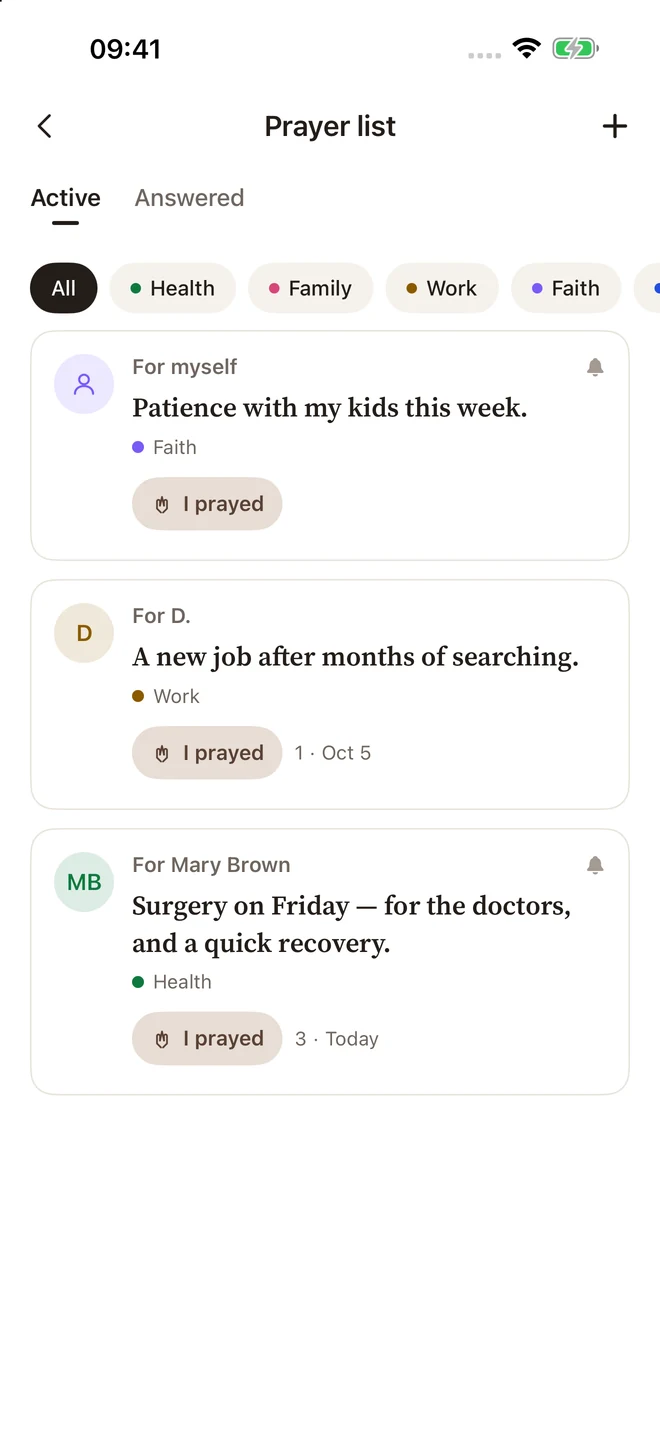
04 / Bring it to prayer
Give your prayer requests a place to live. Write them down, return to them, and remember the moments of gratitude along the way.
Explore your prayer list
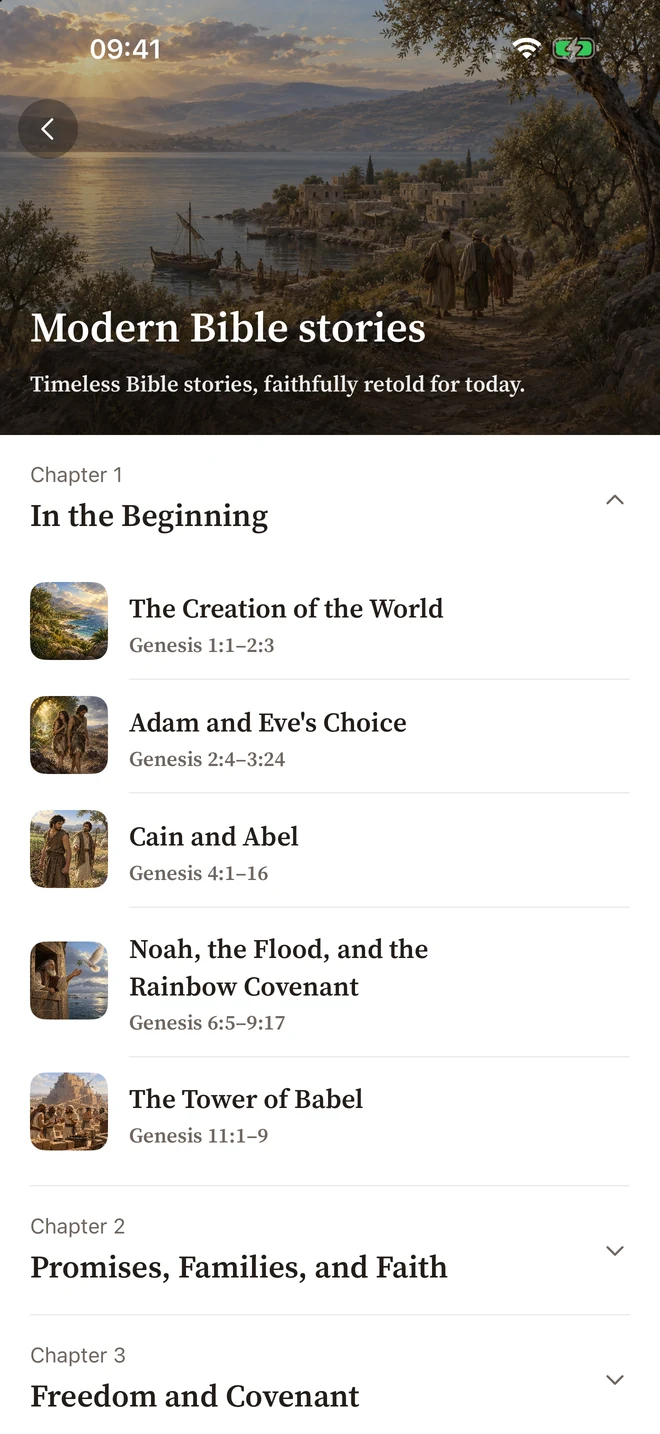
05 / See the story
Explore illustrated retellings of Bible stories, with reading and listening experiences that invite you back to Scripture.
Explore Bible storiesScreens shown from a development build. Today shows a Read to Unlock setup example. Content and availability may change before release.
Faith in the everyday
A verse, a reflection, a quiet prayer. Start where you are, with the time you have.
Return to a message that stayed with you. Keep your notes and its Scripture references together.
Bring a passage or discussion guide to your small group, or make room for a conversation at home.
Sermon Pocket is coming soon for iPhone. This site previews the app while we prepare for release. A download link will appear here when it is available.
With your Screen Time permission, it limits the apps, categories, or websites you select until you complete a daily reading goal. Time counts only while the dedicated reader is visible and active. Your progress is saved if you leave, and you can pause or stop the feature at any time.
The interface supports English, Spanish, Brazilian Portuguese, and Simplified Chinese. Bible translations, stories, voices, and other content have their own language availability; some stories may be shown in English.
Bundled Bible translations can be read offline. Cloud transcription, AI study, new generated content, and syncing need a connection. Availability of other saved content depends on what is already on your device.
AI helps prepare transcripts, sermon summaries, study material, and answers to questions. It can make mistakes. Read the cited passages in context and check important details against Scripture and the original message.
The app includes free access and optional Premium features. Recording and AI features may have usage limits. Final prices, included features, and any offers will be shown in the app before purchase.
Some content is stored locally, while recordings submitted for processing, AI requests, and synced content use cloud services. You choose when to create a public share link. Our privacy page explains the data flow and account deletion.
Coming soon for iPhone
We’re preparing Sermon Pocket for its first release. Get to know your new companion for reading, reflection, and prayer.
Explore the guide